
You can't move all your subscriptions from one credit card to another in a single step. Each merchant stores its own copy of your card, so you find every recurring charge and update each account yourself. The job takes about an hour for most people. It goes much faster with a clear list and a fixed order of work.
This guide covers how to find every charge on a card, where to change the card for each type of billing (direct, Apple, Google Play), and what to do when a payment fails. It ends with a way to check that nothing still points at the old card.
TL;DR
- There is no automatic transfer. NerdWallet's guide says you review statements, identify the charges, then log in to each account and update the payment information.
- Build your list from 3 to 6 months of statements, plus email receipts and the payment settings in your phone's app store and wallet apps.
- Change the card in the right place: the merchant's site for direct billing, Apple or Google for app-store billing.
- Set the new card as the active one, then confirm the next charge lands on it. Adding a card to a list does not always make it the one billed.
- Keep the old card open until a full billing cycle has passed with no charges on it.
Table of Contents
- Why there is no "move all" button
- Step 1: Find every subscription on the card
- Step 2: Change the card where the bill actually comes from
- Step 3: Make the new card the active one
- Can you transfer a subscription to a different account?
- Step 4: Order your moves so nothing lapses
- What happens if a charge fails
- Step 5: Confirm the old card is quiet
- See all your cards and their charges in one place
- FAQ
- Sources
Why there is no "move all" button
When you sign up for a subscription, the merchant (or its payment processor) saves your card details and bills them on a schedule. Your card issuer doesn't hold that list. So it can't redirect those charges when you ask it to.
Even a replacement card from the same issuer doesn't fully solve this. U.S. Bank explains that a replacement may keep the same card number. If the number, expiration date, or CVV changes, merchants that store the card for automatic billing need the new information, and digital wallets may need updating too. Novo's help page says plainly that recurring payments don't automatically transfer to a replacement card.
The same holds inside a single company. SamCart's help center notes that if you have several subscriptions, you update the card separately for each one, because changing one doesn't change the others.
So the real task is an inventory, followed by a series of small edits.

Step 1: Find every subscription on the card
Missing one charge is how people end up with a declined payment, a lapsed service, or a late fee. Work through these sources in order.
Statements
Karat's switching guide recommends checking statements for the last 3 to 6 months. NerdWallet adds a second pass for annual or infrequent renewals: memberships, insurance, software, and media services. A yearly charge won't show up in a three-month window, so look back further if your statements allow it.
Go line by line, not by balance. U.S. News advises examining each transaction rather than just the total, and watching for charges you don't remember agreeing to or ones you thought had been canceled.
If you want a worked look at what unfamiliar lines can turn out to be, our 12 real statement examples of hidden charges will help you decode them.
Search your inbox for words like receipt, subscription, invoice, renewal, and payment confirmation. Karat's guide suggests exactly this. Annual renewals often announce themselves by email a week or two before charging.
Phone, wallet, and payment apps
Subscriptions can hide in places your statement only shows as a vague line. Karat's guide points to iOS and Android subscription lists, PayPal, Venmo, Apple Pay, and Google Pay. A charge labeled with Apple, Google, or PayPal could be any of dozens of services, so open each of those lists and read what's inside.
Saved cards that aren't subscriptions
NerdWallet also recommends checking saved payment preferences in services like Uber, Amazon, and iTunes. These aren't recurring charges, but the stored card can be declined later at a bad moment, such as a ride home.
Make a simple list
For every item, write down four things:
| Column | What to record |
|---|---|
| Service | Name as it appears on the statement and the real brand |
| Billed by | The company directly, Apple, Google Play, PayPal, or another processor |
| Renewal | Monthly, annual, or other, and the next date |
| Done | Tick only after the new card is confirmed active |
The "billed by" column matters most, because it decides where you go to change the card.
Step 2: Change the card where the bill actually comes from
Billed directly by the company
Log in on the company's website and look for account, billing, or subscription settings. The exact path differs by service:
- Zoosk: My Profile, Account Settings, Subscription, Manage Subscription, Payment Methods. Update the card and save, and the new method is used for future charges.
- Pandora: profile menu, Settings, Subscription, enter the new billing information and save. The change takes effect at the next renewal date.
- Tidio: Settings, Project, Billing, Change card details. The next billing goes to the new card.
The pattern is the same everywhere: account settings, then billing or payment methods, then replace or edit the card.
Billed through Apple
If Apple bills the subscription, the merchant can't change it for you. Apple's instructions for an iPhone, iPad, or Vision Pro: go to Settings, tap your name, tap Payment & Shipping, and edit the existing card or add a new one. If there's an issue updating an existing method, Apple suggests adding a new payment method and then removing the old one. You can also change the order in which your payment methods are billed.
One thing to know: Apple notes that your financial institution may automatically update payment information used for media purchases and subscriptions. Check the card on file anyway rather than assuming.
Billed through Google Play
Per MileIQ's vendor guide, open the Play Store, tap your account icon, choose Payments & subscriptions, then Payment methods, and add or update the card. Zoosk's support page says the same thing about app-store billing: the company can't update it, so you do it in your Apple or Google account.
Not sure who bills you?
Pandora advises identifying the billing party from your latest statement when the purchase route is unclear. Look at the statement descriptor. Charges that start with an app store name usually come through the store. Ones that show the brand name usually come direct.
Step 3: Make the new card the active one
This is where many switches quietly fail. Tailwind's help page warns that adding a card to a payment-method panel doesn't necessarily make it the active subscription card. You have to set the new card as active before removing the old one.
Some platforms draw another distinction. Kajabi's billing guide separates editing a saved card, which updates every subscription using that card, from changing the payment method, which lets you pick another saved card for one subscription only. Know which one you're clicking, especially if you want some subscriptions on one card and some on another.
After saving, look for a confirmation screen or email. If none arrives, reopen the billing page and check that the last four digits shown are the new card's.

Can you transfer a subscription to a different account?
Changing the card is one thing. Moving the subscription itself to a different Apple Account or Microsoft account is another, and for many services it isn't possible.
For Microsoft 365, a Microsoft support answer states you can't manually transfer an existing subscription from one Microsoft account to another. The suggested route is to turn off recurring billing on the existing subscription and buy a new one under the account you want. Apple subscriptions are tied to the Apple Account that bought them in the same way. If you only need a different card, don't change accounts. Change the payment method on the account you already have.
If you do need to switch accounts, plan for overlap: start the new subscription, confirm it works, then cancel the old one before its next renewal so you aren't charged twice. If a double charge happens anyway, see our guide to duplicate credit card charges, where the 60-day window matters.
Step 4: Order your moves so nothing lapses
A sensible sequence:
- Soonest renewals first. Sort your list by next billing date and start at the top.
- Essentials next. Phone, internet, insurance, cloud storage, and anything tied to work.
- Annual charges. These are easy to forget and the most expensive to miss.
- Everything else. Streaming, apps, memberships.
- Saved cards. Shopping, rides, food delivery.
If you're also thinking about when each card's bill is due, a well-timed move can make the whole setup easier to manage. Our guide on how to move your credit card due date to match paychecks covers that.
What happens if a charge fails
Failures are common during a switch. The platforms differ, but the patterns are consistent:
- Expired or missing card. Pandora warns that if billing information isn't updated before renewal, the subscription may expire.
- Past due. Tailwind says that updating the card while the account is past due immediately retries the outstanding charge. If it works, the subscription is restored right away. If it declines again, retries follow the normal schedule.
- Pay the balance. Zoosk says that after an unsuccessful renewal, an option to pay the outstanding balance may appear in the account. Completing it continues benefits without interruption.
- Re-entering a card can trigger a charge. Tidio notes that re-entering card details for an active subscription can trigger an immediate new attempt, even if you enter the same card. Don't be surprised by a charge right after you save.
A failed payment can also cost you elsewhere. If a payment on the card itself bounces, you may face a fee, and our returned payment fee scripts show how to ask for it to be reversed.
Step 5: Confirm the old card is quiet
Don't close the old card the same day. Keep it open through at least one full billing cycle, and longer if you have annual renewals. Then:
- Check the old card's next statement. Any recurring charge is a subscription you missed.
- Check the new card's statement. Every item on your list should appear there when it renews.
- Turn on issuer alerts. U.S. News notes that alerts can give real-time notice of new charges or ones over a threshold you set. Our overview of credit card alert types explains the options.
- Set renewal reminders. A tool for recurring payment reminders can pull dates from receipts and alert you before each charge, which helps with annual renewals.
If you spot a charge you don't recognize or a canceled subscription still billing, our guide to disputing recurring charges walks through the next step.
Our perspective
Most people treat a card switch as a one-time chore. We see it as a payment decision. Which card carries which recurring charges affects your due dates, your balances, and the interest you pay if you carry a balance on any card.
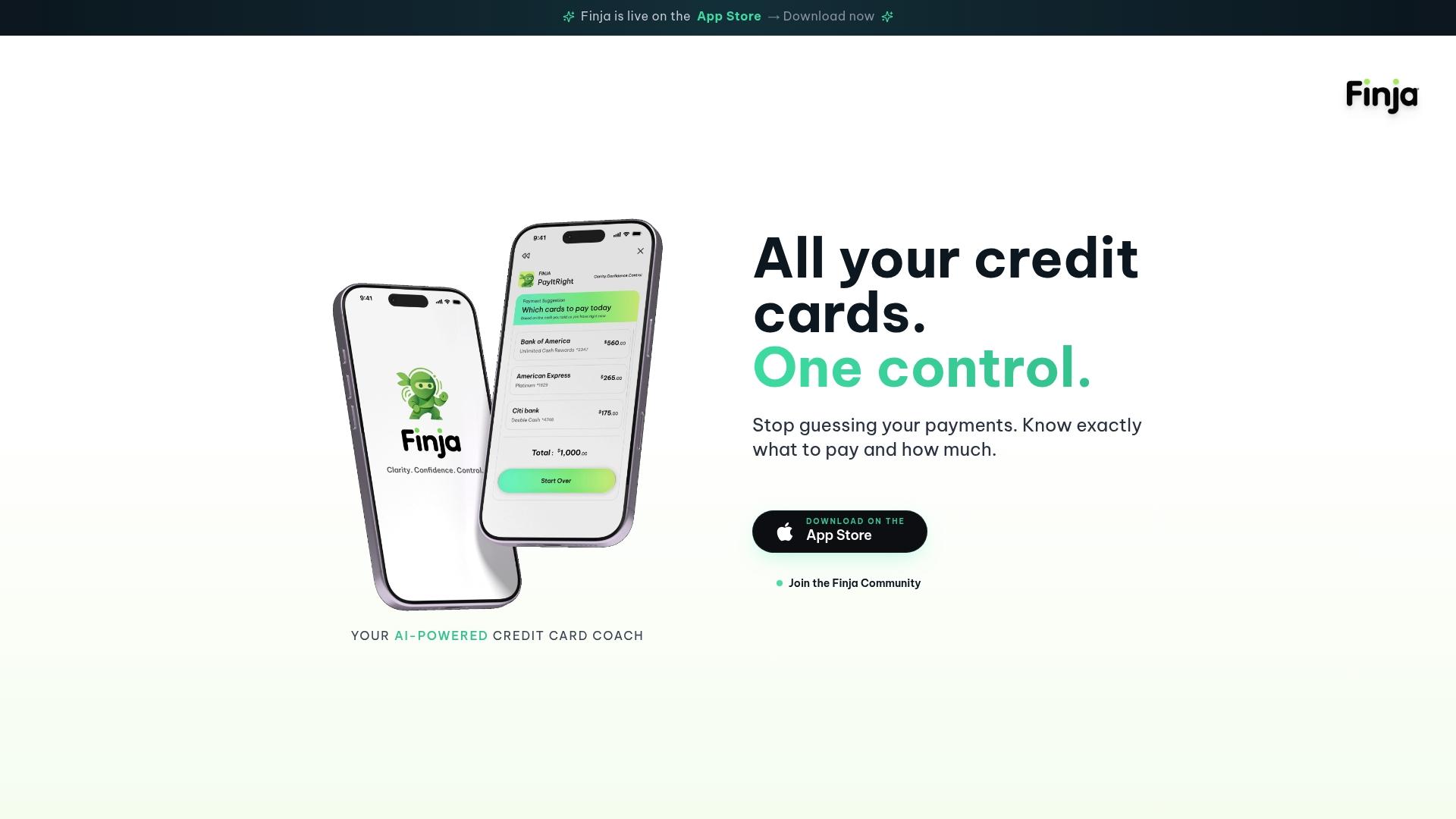
When you have several cards, the hard part is rarely the clicking. It's seeing everything at once: which card holds which subscription, which balance is closest to its limit, and which statement date is coming up. We built Finja to show all your cards in one place, so a recurring charge landing on the wrong card is easier to spot.
Our focus is reducing interest costs and improving credit health, not chasing rewards. We designed Finja as a dedicated credit card coach, with guidance on payment timing and amounts. Moving subscriptions is a good moment to use that view: decide where each charge belongs, then check that it actually lands there.
Grace K.
See all your cards and their charges in one place
If you carry more than one card, moving subscriptions is easier when you can see every card's activity side by side. Finja is an AI-powered credit card coach built for people with multiple cards: it brings your accounts into one view, tracks credit health, and offers recommendations on payment timing and amounts aimed at reducing interest. See how Finja works.
For a closer look at the subscription side, read our guide to tracking subscription charges across several cards, or see how spending reports can show which cards cost you the most interest. For timing, see how to optimize credit card payments with Regulation Z in mind.
FAQ
Can my card issuer move my subscriptions to a new card?
No. Issuers don't hold the list of merchants that bill you. NerdWallet's guide says there is no universal way to shift recurring charges, so you update each account yourself. A replacement card may keep the same number, but if the number, expiration date, or CVV changes, merchants need the new details.
Do I need to cancel and resubscribe to change the card?
Usually not. Most services let you edit the payment method in billing settings, and the change applies to future charges or the next renewal. Cancel and resubscribe only if you're moving to a different account on a service that can't transfer subscriptions, such as Microsoft 365.
How do I change the card on subscriptions billed by Apple or Google?
Do it in the store account, not on the merchant's site. On an iPhone, go to Settings, tap your name, then Payment & Shipping. In Google Play, open your account icon, then Payments & subscriptions, then Payment methods. The merchant can't change store billing for you.
How long should I keep the old card open?
Keep it through at least one full billing cycle, and longer if you have annual renewals. Check its statement for stray recurring charges before you close it. Any charge that still appears there is a subscription you haven't moved yet.
Sources
- Tips for Moving Recurring Payments to a New Credit Card (NerdWallet)
- Will my automatic charges transfer to my upgraded credit card? (U.S. Bank)
- Will recurring payments transfer to my replacement credit card? (Novo)
- Updating Your Payment Information (SamCart)
- How to Keep Recurring Credit Card Charges From Draining Your Money (U.S. News)
- Update your subscriptions after switching (Karat Help)
- How do I update my billing or credit card information? (Zoosk)
- Change your billing method or subscription plan (Pandora)
- Invoices and billing details (Tidio)
- How do I update my credit card information? (Tailwind)
- How customers can manage their billing and payment methods (Kajabi)
- How to update your billing details (MileIQ)
- If you need to change or update your Apple Account payment method (Apple Support)
- Change all subscriptions to a different account (Microsoft Q&A)