
A credit limit alert is a text, push notification or email that your card issuer sends when your balance gets close to your credit limit. You turn it on in your issuer's app or online account, pick a warning level, and choose how you want to be notified. It takes about five minutes per card, and it is one of the cheapest ways to avoid declined purchases, surprise over-limit situations and a spike in your credit utilization.
This guide covers what triggers these alerts, how to set them up, which threshold makes sense, why you sometimes get an over-limit warning when you think you are fine, and how to keep track when you carry more than one card.
TL;DR
- A credit limit alert fires when your balance reaches a warning level you choose or when a transaction puts you near your limit. Set it in your issuer's app under alerts or notifications.
- Choose push notifications or texts for speed. Email is fine as a backup, but it is the slowest to get noticed.
- A warning at roughly 30% of your limit lines up with the common utilization guideline. A second alert at a higher level, such as 80%, works as a safety net.
- Alerts follow authorizations, not posted payments, so a recent payment may take two to three business days to clear your balance.
- With several cards, each issuer sends its own alerts. A single view of all balances makes the pattern easier to see.
Table of Contents
- What a credit limit alert actually does
- How to set up credit limit alerts
- Which threshold should you choose?
- Why you get an over-limit alert when you think you are under
- Can you go over your credit limit?
- Credit limit alerts across multiple cards
- Perspective: alerts tell you where you are, not what to do next
- Turning alerts into a payment plan
- See every card, and what to pay, in one place
- FAQ
- Sources
What a credit limit alert actually does
The name covers a few related notifications. The core one is the balance threshold alert. According to one large issuer's guide to card alerts, balance notifications tell you when your balance reaches a predetermined threshold or when you are approaching your credit limit. The same guide says this can help you prevent overspending, manage your utilization ratio and avoid potential over-limit fees.
Another type is tied to a single transaction. Some issuers send a credit limit alert when a transaction puts the account close to its limit, based on a warning level you set in your alert preferences, as described in one bank's alert FAQ. That bank is Canadian, so check your own U.S. issuer for the exact wording and options, but the logic is the same.
Related alerts worth knowing
Credit limit alerts sit alongside other alerts that protect the same balance. One issuer's help page lists alerts for purchases above an amount you choose, declined cards and foreign transactions. Payment due dates, card charges and posted payments are other common triggers, according to another issuer's overview of alerts to set up.
A quick map of the types:
| Alert type | What triggers it | What it protects you from |
|---|---|---|
| Balance threshold | Balance reaches a level you set | Creeping utilization, hitting your limit |
| Near-limit warning | A transaction brings you close to the limit | Declined purchases, over-limit charges |
| Purchase amount | A purchase above a dollar amount you pick | Fraud, big unplanned spending |
| Payment due | A set number of days before the due date | Late payments |
| Payment posted | A payment is received | Uncertainty about whether your payment went through |
If you want a deeper look at the security side, our guide to types of credit card fraud alerts for multi-card users explains how those differ from account alerts.
How to set up credit limit alerts
The steps are nearly identical across issuers. The names of the menus change, but the path does not.
- Open your issuer's mobile app or log in online. A credit bureau's setup guide recommends starting in the issuer's app and finding its alerts or notifications options.
- Find the alerts or notifications section. It is usually under account settings, profile, or a menu labeled "Manage alerts."
- Pick the balance or credit limit alert. Enter the dollar amount or percentage at which you want to be warned.
- Choose delivery methods. Most issuers offer push, text and email. One issuer's account alerts can go to up to two email addresses and two mobile numbers, which is handy if a partner shares the account.
- Save, then test. Make a small purchase, or wait for the next one, and confirm the alert arrives where you expect it.
Push, text or email?
The U.S. Payments Forum notes that alert channels include in-app push notifications, SMS and email, and that outbound calls are generally reserved for verifying suspicious activity. That 2020 report also separates mandatory alerts, often for fraud or payments, from opt-in alerts for specific transaction parameters. A credit limit alert is usually opt-in, so it will not appear until you turn it on.
For speed, the credit bureau's guide recommends push notifications through the issuer's app so time-sensitive alerts reach you as quickly as possible. Texts are a solid second choice. Use email as the record, not the early warning.
Which threshold should you choose?
There is no single correct number, and issuers do not publish one. What you can do is tie the threshold to your goal.
If your goal is a healthy utilization ratio. The issuer guide above says balance alerts are particularly valuable for high spenders and people with lower credit limits who want to keep utilization healthy, and it describes utilization below 30% as generally considered good practice. On a $5,000 limit, that means a first alert at $1,500.
If your goal is avoiding a declined card. Set a second alert well before the limit. At 80% on a $5,000 card, you would hear about it at $4,000, which leaves $1,000 of room to fix things.
If your goal is to avoid alert fatigue. The credit bureau's guide points out that customizing alerts, such as setting a dollar-amount floor on purchase alerts, lets you watch account activity without being flooded by notifications for every minor transaction. The same idea applies to balance alerts: two well-chosen thresholds beat six noisy ones.
A worked example
Say you carry a card with a $4,000 limit and a card with a $10,000 limit. A uniform alert at 30% fires at $1,200 on the first card and $3,000 on the second. The dollar amounts are very different, even though the percentage is the same. If your issuer only lets you set dollar amounts, calculate each card separately rather than copying one number across all of them.

The timing of when you pay matters as well. Statement balances are what usually get reported to the bureaus, so a balance that peaks mid-cycle and drops before the statement can look different on your credit report. Our piece on timing tactics to cut credit utilization goes into that in detail.
Why you get an over-limit alert when you think you are under
This is one of the most common frustrations, and it is the subject of the top-ranking forum thread for this keyword. There are usually ordinary explanations.
- Pending authorizations count. An issuer's FAQ explains that transaction alerts are sent when a purchase is authorized, not when it posts, and posting can take two or three days. Your app's "current balance" may not include holds that your available credit already reflects.
- Some merchants force transactions through. According to a bank's alert FAQ, some merchants can force a transaction through, and some, including airlines, may authorize a payment ahead of time but post it later. That can push an account over its limit after the fact.
- Payments take time to post. The same source recommends monitoring accounts regularly and allowing two to three business days for a payment to post to avoid over-limit fees.
- Alerts can reset on their own. Some alerts clear automatically once the condition is resolved. One bank's help page gives the example of a balance alert for exceeding $500 that resets once payments bring the balance below that amount. If you pay the card down and the alert stops, that is by design.
If you still think the alert is wrong, compare your available credit, not just your balance, and check for a recent credit limit reduction. Issuers can lower limits, which makes the same balance look much bigger. We cover that in our 72-hour plan after a credit limit cut.
Can you go over your credit limit?
Sometimes a charge goes through, but the rules are tighter than many people assume. According to the Consumer Financial Protection Bureau, a card issuer cannot charge an over-limit fee unless you have opted in to allow charges that put you over your limit.
If you did opt in, the CFPB says you can generally be charged up to $25 the first time you go over and up to $35 if it happens again within six months. The fee also cannot exceed the amount by which you went over. Check your card's settings to see whether you opted in. If you did not want to, you can usually switch it off with your issuer.
A fee is not the only cost. A balance near or above the limit pushes up your utilization, and a declined transaction at the register or on a recurring bill creates its own problems. An alert is the cheap fix.

Credit limit alerts across multiple cards
The weakness of issuer alerts shows up once you have three, four or six cards. Each issuer alerts you about its own card only. Thresholds are set differently, delivery channels vary, and the notifications arrive from different apps with different wording. You get fragments, not the full picture.
A few habits make multi-card alerts workable:
- Standardize your thresholds. Use the same percentage on every card where you can, and record the dollar equivalents.
- Route everything to one place. Use push notifications on the same phone and, where allowed, a single email address for the record.
- Add a second tier on your highest-balance card. That card is the one most likely to cross a line first.
- Review all balances weekly. Alerts tell you when a line is crossed. They do not tell you which card to pay first.
- Never rely on alerts alone. One issuer stresses that alerts do not replace regularly reviewing your transaction history and statements for unauthorized activity or billing errors.
For a broader routine, see our multiple credit card management tips. If you want to set hard caps per card rather than only warnings, our guide to setting credit card spending limits in 5 steps walks through it.
Spending that creeps up unnoticed is often the root cause of repeated limit alerts. A structured exercise like a 30-day no-spend reset workbook can help you break impulse patterns before the next alert fires.
Perspective: alerts tell you where you are, not what to do next
We hear the same thing from people with several cards: the alerts are not the problem, the volume is. One card pings at 50%, another at $2,000, a third only when you are almost maxed out. Each message is accurate and none of them tells you what to do.
That gap is why we built Finja around the decision rather than the notification. When all your cards sit in one view, you can see which balance is costing you the most interest, which card is pushing your utilization up, and which payment to make first. We designed it as a dedicated credit card coach, not a general budgeting tool, so the focus stays on reducing interest and improving credit health.
Our advice: keep your issuer alerts on as the first line of defense, then use one consolidated view to act on them. A warning is useful. A warning plus a clear next step is what changes your balance.
Grace K.
Turning alerts into a payment plan
When an alert fires, the next question is what to do about it. A simple order of operations helps:
- Check available credit and the pending items. Confirm whether the alert reflects posted or pending activity.
- Compare utilization across your cards. Sometimes moving a payment to the card closest to its limit does more for your profile than an equal payment elsewhere.
- Weigh interest. If you carry balances, the card with the highest APR usually costs the most each month.
- Schedule the payment. Allow two to three business days for it to post, as the bank guidance above advises.
- Adjust the alert. If you keep getting the same warning, your threshold may be too low for your real spending, or your spending is too high for your limit. Be honest about which.
Our guides on credit card financial health indicators and portfolio rebalancing help you decide how to split balances over time. If constant alerts are adding to your stress, see our piece on reducing financial stress from credit cards.
See every card, and what to pay, in one place
Finja is an AI-powered credit card coach for people with multiple cards. It brings your accounts into one view and gives guidance on payment timing and amounts, with the goal of reducing interest costs and improving credit health. It also includes credit health tracking, budgeting tools and spending limit controls.
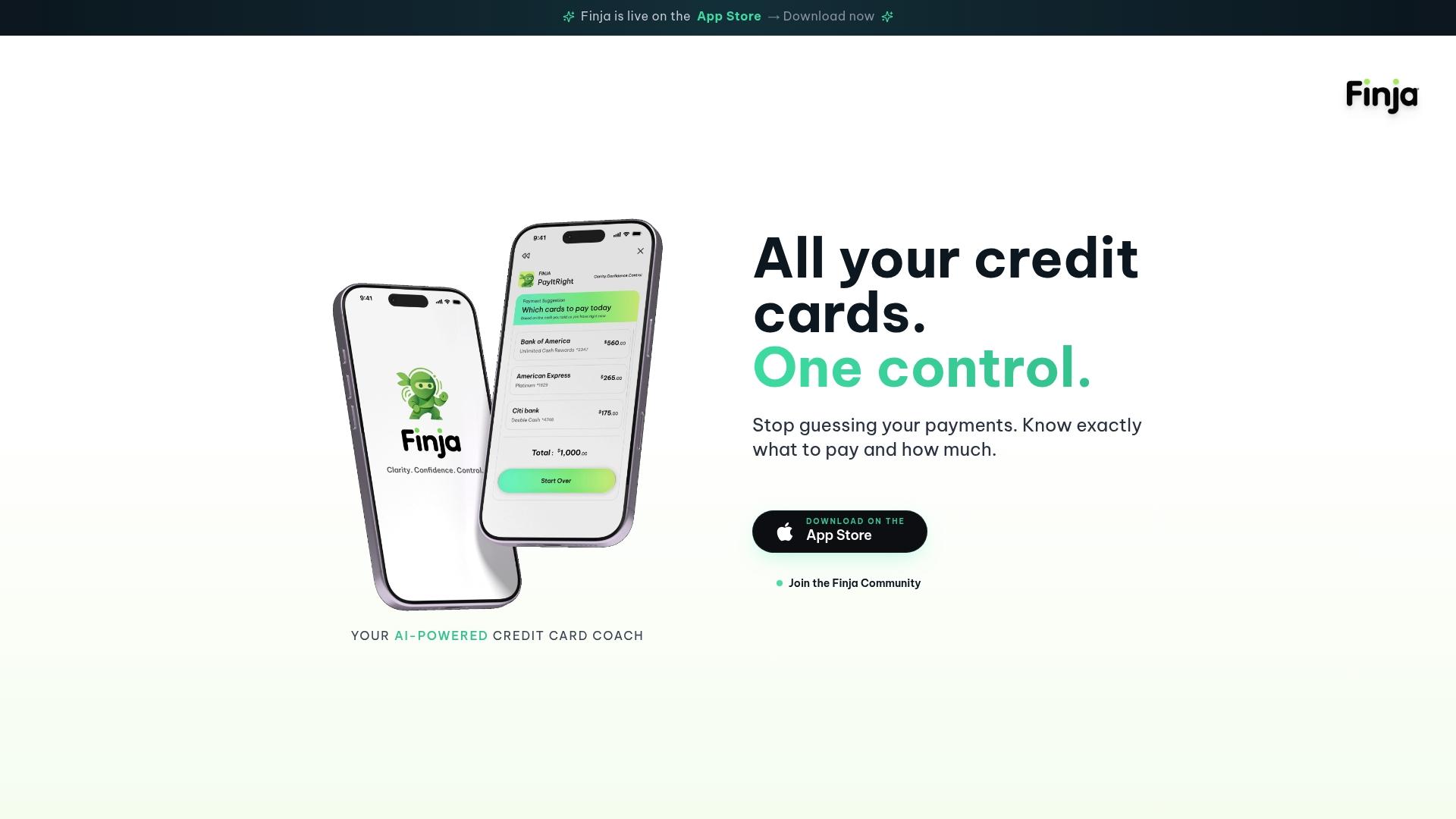
If your phone is full of warnings from different issuers, try Finja, your AI-powered credit card coach and see all your cards together.
FAQ
Do credit limit alerts cost anything?
Issuers generally offer account alerts as a free feature of the card, though your mobile carrier may charge for text messages depending on your plan. Check your issuer's alert terms and your phone plan to be sure.
Will a credit limit alert hurt my credit score?
No. Setting or receiving an alert does not affect your credit report. The alert simply tells you about your balance, and what affects your score is the balance and utilization itself.
Why did I get an alert when my balance is below my limit?
Most often the alert reflects pending authorizations or a charge that was authorized earlier and posted later, such as airline tickets. A recent limit decrease or a payment that has not yet posted can also explain it. Compare your available credit with your balance and wait two to three business days after any payment.
Can I be charged a fee for going over my limit?
Only if you opted in to over-limit charges. If you did, federal rules generally cap the first fee at $25 and a repeat within six months at $35, and a fee cannot exceed the amount you went over. If you did not opt in, the issuer cannot charge the fee.
Is an alert enough to keep my utilization low?
It helps, but an alert only notifies you after a threshold is crossed. Pair it with a payment schedule and a regular review of all your cards so you can pay down balances before the statement closes.
Sources
- Credit Card Alerts: What To Look Out For
- Alerts to Set Up on Your Credit Card
- Credit Card Alerts FAQs
- BMO Alerts FAQs
- Account Alerts
- Email Alert Help
- How to Set Up Credit Card Alerts
- Transaction Alerts/Controls/Notification Services
- CFPB: I went over my credit limit and was charged an overlimit fee