
A credit score simulator is an interactive tool that estimates how a specific financial move, like paying down a card or opening a new one, might shift your three-digit credit score before you actually do it. Think of it as a "what if" calculator for your credit. It draws on the standard categories real scoring models use, such as payment history, amounts owed, credit history length, credit mix, and new credit. The output is a planning estimate, not a promise, providing general guidance rather than an exact figure.
That distinction matters because two major scoring models, FICO® and VantageScore®, weigh those categories differently, so simulator outputs vary and cannot perfectly replicate either one.
- Simulators run "what if" scenarios using your credit profile or a generic questionnaire.
- Results show direction and rough magnitude, not a guaranteed future score.
- Most tools reference FICO® or VantageScore® methodology, and some pull data from bureaus like Experian.
Quick fact: Experian's own simulator guidance states these tools estimate relative impact for planning purposes. They are not built to nail an exact point change.
Key Takeaways
Credit score simulators give you directional, educational estimates based on standard scoring factors, but they can't guarantee a specific point change or replace ongoing account monitoring.
| Point | Details |
|---|---|
| Simulators estimate, they don't guarantee | Treat every output as a planning range, not a locked-in future score. |
| Inputs drive the estimate | Payment history, utilization, account age, credit mix, and new credit all factor into results. |
| Test one variable at a time | Isolating a single change makes it easier to learn which action actually helped. |
| Watch the highest-impact scenarios | Missed payments hurt the most; paying down utilization tends to help the most. |
| Finja extends the planning beyond one scenario | Its AI modeling optimizes payments across multiple cards on an ongoing basis, complementing single-action simulators. |
Table of Contents
- What Is a Credit Score Simulator Tool and How Does It Work?
- What Can and Can't a Credit Score Simulator Predict?
- Common Scenarios to Test in a Credit Simulator
- How to Turn Simulator Results Into an Actual Plan
- Sources
What Is a Credit Score Simulator Tool and How Does It Work?
A credit score simulator works by taking a starting data set, either your real credit report or answers to a short questionnaire, and running it through a simplified version of a scoring formula. Change one variable, like your credit card balance, and the tool recalculates an estimated score based on that single adjustment.
The inputs almost always relate to these key scoring factors: payment history, amounts owed (utilization), credit history length, credit mix (variety of account types), and new credit (recent inquiries and applications).

Not every simulator starts from the same place, though. WalletHub's simulator draws a clear line between two approaches: credit-report-based tools that pull your actual numbers and recalculate from there, and questionnaire-based estimators that generalize based on typical credit profiles. A report-based simulator tends to give a more personalized estimate. A questionnaire tool is faster but works from averages, so its output can miss details specific to your file.
Scoring model choice adds variation. FICO® and VantageScore® use the same five categories but weigh them differently, so simulators based on different models can produce varying estimates from the same inputs. Bureau data adds a third variable: Experian, Equifax, and TransUnion don't always report identical account information, so the same simulation run against two different bureaus can land on two different numbers.
Pro Tip: Run one change at a time. If you simulate paying off a card and opening a new account in the same pass, you won't know which action actually moved the needle.
Most simulators also model a single, isolated action rather than the messy reality of several financial changes happening in the same month, which is one of their biggest blind spots.
What Can and Can't a Credit Score Simulator Predict?
A simulator tells you direction and rough size, up a little, up a lot, down some. It does not tell you your exact score on a future date. That's the core limitation, and it's the one people misread most often.
The gap shows up clearest with timing and complexity. Experian notes that simulators struggle to model several events happening at once, and they can't account for proprietary updates to scoring formulas that happen behind the scenes. If you pay down two cards, close one account, and apply for an auto loan in the same week, no simulator will cleanly isolate what each action contributed to your new score.
Running a simulation itself changes nothing. It's a projection exercise, not a real credit event, so it never touches your actual credit report or score.
Where simulator accuracy breaks down most often:
- Multiple simultaneous account changes.
- Recent scoring model updates that a simulator hasn't caught up to yet.
- Thin credit files with limited history to extrapolate from.
- Situations involving collections, disputes, or recent bankruptcy filings.
- Cross-bureau differences, since your Experian file and your TransUnion file rarely match exactly.
One useful way to think about it: a simulation gives you a planning estimate, not a forecast with a confidence interval. Treat every number it produces as a range, not a target.
Common Scenarios to Test in a Credit Simulator
Certain moves show up again and again in simulator testing because they map to real decisions people are weighing. Here's what typically happens with each one, based on how these tools model the five scoring factors.
- Paying down a high-utilization card. This usually produces a moderate to large upward estimate, since utilization is one of the more heavily weighted factors in both FICO® and VantageScore® formulas.
- Transferring a balance to a new card. Often shows a smaller, sometimes mixed result. Utilization can improve on the old card while a new account temporarily lowers your average account age.
- Opening a new credit card. Typically produces a small dip at first, driven by the hard inquiry and a lower average account age, before any long-term benefit from added available credit shows up.
- Requesting a credit limit increase. Usually shows a modest upward move, since it can lower your utilization ratio without adding a new account.
- Missing a payment. Almost always the largest downward estimate of any scenario, since payment history typically carries the most weight of the five factors.
- Closing an old account. Often a downward or flat estimate, since it can shorten your average account age. Closing older cards tends to hurt more than people expect for exactly this reason.
If you're prepping for a mortgage or auto loan in the next six to twelve months, Creditcards as a way to test which habits are actively hurting your score before a lender pulls it. That's a more useful lens than chasing a specific number: run the utilization paydown and the "avoid new credit" scenarios first, since those two carry the most weight for near-term loan applications. Capital One's CreditWise, which uses TransUnion data and the FICO® Score 8 model, is a common example of a bureau-backed simulator built around exactly these kinds of scenarios.
How to Turn Simulator Results Into an Actual Plan
Simulator output is only useful if you know what to do with it. Here's a recommended approach: first confirm the scoring model and credit bureau the estimate is based on; run single-variable tests one at a time to identify impactful changes; compare results side by side to prioritize actions; treat numerical estimates as approximate ranges rather than exact point changes; and consult your actual credit report from a bureau like Experian, Equifax, or TransUnion before making significant decisions.
A few decision rules follow naturally from this. Pay down balances before applying for new credit if utilization is high, since that's typically the fastest lever. Avoid opening new accounts within a few months of a mortgage or auto loan application, since inquiries and lower average account age both work against you at exactly the wrong time. And don't chase a simulator's number by making moves you can't sustain. A tool that says "+20 points" for maxing out a balance transfer doesn't account for whether you can actually pay that transfer down on schedule.
Pro Tip: If you're juggling four or five cards, a single-scenario simulator gets tedious fast. That's where modeling across multiple accounts at once instead of one card at a time starts to save real time. Pairing simulator practice with a structured paydown strategy tends to produce more consistent results than running scenarios in isolation.

Where simulator practice fits into a bigger credit strategy
Simulators are a good habit, not a complete strategy. They teach you which levers matter, but they don't watch your accounts day to day or catch a rising utilization ratio before it hits your statement date. I'd treat simulation as the classroom and ongoing monitoring as the job. For anyone managing several cards at once, that's exactly where automated modeling, the kind Finja builds around multi-card optimization, picks up where a one-off simulation leaves off.
— Grace K.
Finja Fills the Gap a One-Time Simulation Leaves Open
A simulator answers "what if I do this one thing?" Finja answers "what should I do next, across every card I have, every month?" That's the practical difference for anyone juggling multiple balances, due dates, and interest rates at once.
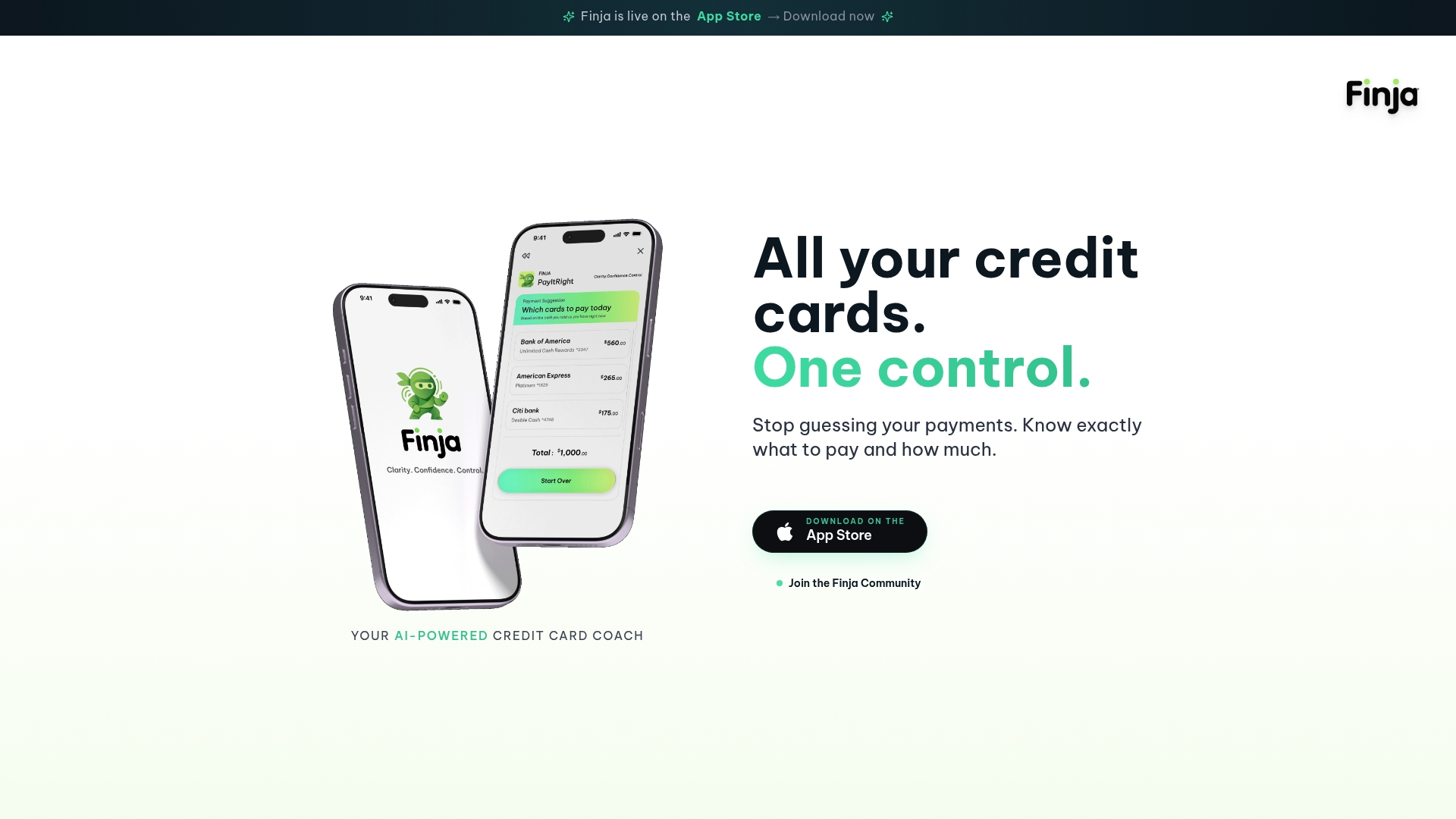
Finja is an AI-powered credit card management app built for exactly that situation. It pulls your accounts into one consolidated view, runs ongoing payment optimization to cut down interest costs, and tracks your credit health over time instead of giving you a single frozen estimate. Where a simulator tests one scenario at a time, Finja's modeling weighs your actual balances, limits, and due dates across every card simultaneously and recommends where your next payment does the most good. If you want to see what that looks like with your own accounts, you can check out Finja and start with a real, ongoing plan instead of a one-time estimate.