
Most bank sync errors come down to one of four things: a login or consent that expired, a setting at your bank that blocks third-party access, a temporary outage at the bank, or an account type the app cannot read. Work through them in that order and you will fix most failed connections in about ten minutes. If you carry several credit cards, a stale connection matters more than it seems, because payment decisions made on old balances can cost you interest. Finja is built for people with multiple cards and shows them all in one place, so it pays to know how to get a broken connection back quickly.
TL;DR
- Start with the simplest test: sign in to your bank's website (not its app) with the same username and password. If that fails, the problem is your credentials, not the sync.
- Check the bank's privacy or security settings for a third-party sharing option, and accept any new terms the bank is asking for.
- Connections can expire on a schedule. Under the CFPB's 2024 data rights rule, continued data collection under one authorization is capped at one year before you must authorize again.
- If the bank is down or in maintenance, wait and retry. Do not keep re-entering your password, which can trigger a lockout.
- A sync problem is not a bank error. If a charge itself looks wrong or unauthorized, contact your card issuer in writing and see the section on your rights below.
Table of Contents
- Why connections stop working
- Step 1: Test your login directly at the bank
- Step 2: Look for bank-side permissions and messages
- Step 3: Solve missing or delayed verification codes
- Step 4: Rule out an outage, then wait
- Step 5: Reconnect the account the right way
- When the balance is old or transactions are missing
- Sync error or real bank error?
- Keep connections from breaking again
- Why a stale card view costs more with multiple cards
- See all your cards in one place
- FAQ
- Sources
Why connections stop working
A connection between a bank and an app is not a permanent link. It is a permission you granted, carried over a technical channel that the bank can interrupt, expire or change. When it breaks, the app usually shows a vague message. The cause is almost always one of a handful of categories.
Data-connection provider Plaid publishes its error documentation, which separates the causes cleanly. Expired credentials or expired consent require you to log in again. Temporary bank connectivity problems, such as an institution not responding or being down, need time. A missing permission on your side blocks access until you grant it. Understanding which bucket you are in tells you what to do next, so you do not waste effort on fixes that cannot work.

There is also a rules-driven reason. The CFPB's Personal Financial Data Rights rule, published November 18, 2024, requires covered providers to make consumer data available to consumers and authorized third parties, with compliance dates staggered from April 1, 2026 through April 1, 2030 depending on the provider. The same rule says an authorized third party must get your express, informed consent, may collect only what is reasonably necessary for the service you asked for, and may keep collecting under one authorization for a maximum of one year before asking you again. So a connection that quietly dies after about a year may be working exactly as designed. You simply need to re-approve it.
One more cause is easy to miss. A bank's own FAQ, from BECU's aggregator guide, explains that a connection that worked for months can stop when the bank no longer recognizes the IP address of the service connecting on your behalf. Reconnecting through the app can restore access.
Step 1: Test your login directly at the bank
Open a browser, go to your bank or card issuer's website, and sign in with the exact credentials you gave the app. This single test splits the problem in two.
- Login works on the website: your credentials are fine, and the issue is the connection, a setting or an outage. Go to step 2.
- Login fails on the website: reset your password at the bank first. Syncing cannot succeed until the bank accepts your login.
Plaid's troubleshooting page recommends re-entering the username and password carefully, watching for password-manager typos or stray spaces, and confirming the same credentials work directly on the institution's site. A pasted password with a trailing space is a surprisingly common culprit.
If you changed your password recently, every app connected to that account will need the new one. That includes cards you rarely open. Make a short list of every account you changed and update each connection in one sitting.
Step 2: Look for bank-side permissions and messages
While signed in on the website, look beyond the balance. Plaid advises logging in on the website rather than only the mobile app, because some banks require action there before outside apps can connect. Look in the Privacy or Security sections for an option such as third-party sharing, and accept any updated terms the bank is waiting on you to approve.
If the account is new, the same page suggests confirming that your cards are activated, online banking is fully set up and your contact details are current. A card that was mailed but never activated often will not link at all.
Also check for security alerts or a held login. Banks sometimes flag a new connection as unusual and lock access until you confirm it is you. Clear any alert before you retry.
Step 3: Solve missing or delayed verification codes
Many banks send a one-time passcode when you link an account. If the code never arrives, the connection cannot finish, and the app may report a generic failure.
Plaid notes that code problems can mean the bank holds an incorrect phone number or secure email for you, or has not enabled passcode delivery. The fix lives at the bank: confirm your contact details and verification settings there, then retry the link. Good account security habits also help here, because the same verification settings that protect your login decide whether codes reach you. Keep your phone number current at every issuer, since a number you changed two years ago may still be on file.
If you are traveling, texts to a U.S. number may be delayed. Wait for the code instead of requesting several in a row, since older codes often become invalid the moment a new one is issued.
Step 4: Rule out an outage, then wait
If your credentials and settings are fine, the bank may be having a bad day. Plaid identifies bank-side server problems and maintenance as possible causes of connection failure and advises trying again later, then checking the bank's website or contacting its support if the problem continues.
Signs that it is the bank, not you:
- The bank's own website or app is slow or showing a maintenance banner.
- Several of your accounts at the same bank fail at once while your other banks sync normally.
- The error message mentions the institution being unavailable or not responding.
In that case, step away for a few hours. Repeated login attempts do not speed anything up, and too many failed attempts can lock your online banking.
Step 5: Reconnect the account the right way
If the connection is flagged as needing re-authorization, reconnect it instead of deleting and re-adding it. Reconnecting generally preserves your history in the app, while removing an account can break the link between old and new data. Follow the app's prompt, sign in with your bank credentials and approve the permissions the bank shows you.
Some banks ask you to choose which data categories to share, such as balances, transactions or account details. Plaid's API error documentation notes that for certain institutions that use this kind of sign-in flow, you may need to authorize specific data categories separately. If you skip one, the account can connect but show no transactions, which looks like a sync bug but is really a missing permission. Re-run the flow and tick every box.
If the bank still does not appear in the search list, or the app says the account type is not supported, the same documentation points to an unsupported institution response as one cause of failure. Some apps need data that a bank does not provide, for instance certain store cards, credit union accounts or older account types. In that case, the practical move is to enter that card's balance and due date manually so it still sits in your overall picture, and retry the connection later.

When the balance is old or transactions are missing
A connection can be "working" and still show a stale picture. Here are the usual explanations and what to do about each.
| What you see | Likely cause | What to do |
|---|---|---|
| Balance differs from the bank's site | Posted versus pending activity, or a refresh that has not run yet | Compare against the bank's website; refresh and check again later |
| A recent purchase is missing | The charge is still pending, or the sync has not pulled new data | Check whether it shows as pending at the bank; wait for it to post |
| Everything stopped on one date | Login, consent or terms expired at that moment | Reconnect and re-approve permissions |
| One card is stale, others are fine | A problem with that issuer only | Run steps 1 and 2 for that issuer |
| Connected but transactions are empty | A data category was not authorized | Reconnect and approve all categories |
Treat the bank's website as the source of truth. If the bank and the app disagree, the bank is right, and your next payment should be based on the bank's figure. This matters most around your statement closing date and due date. A balance that is a few days old can make you pay less than you intended, or miss that a payment already posted.
If you want to dig into why timing matters, our guide to consolidating credit card statements explains how seeing every card's due date and balance together helps you cut interest.
Sync error or real bank error?
Not every wrong-looking number is a sync problem. Before you spend an hour troubleshooting, decide which kind of problem you have.
- Sync error: the bank's website shows the right information and the app does not. Fix it with the steps above.
- Account error: the bank's own website shows a charge you do not recognize, an incorrect amount or a missing transfer. Contact your bank or card issuer, because no reconnecting will fix it.
The CFPB's Electronic Fund Transfers FAQ explains that a routine balance inquiry is not itself an error under Regulation E, while an unauthorized or incorrect electronic transfer, or one omitted from a periodic statement, is. It also says that once you give the institution oral or written notice of a covered error, the institution must promptly investigate and follow Regulation E's investigation and correction requirements.
Practically, that means: if the bank's own records are wrong, tell your bank, preferably in writing, and keep a copy. For credit card charges, separate rules and deadlines apply. Our guide on duplicate credit card charges covers the 60-day window to keep your Fair Credit Billing Act rights, and how to act inside it.
Keep connections from breaking again
A few habits cut the number of failures:
- Re-approve on a schedule. Since consent can expire after a year, put a yearly reminder in your calendar and reconnect all accounts at once.
- Update passwords everywhere. After any password change, update the connection in every app that uses it.
- Keep contact details current. Verification codes go to what the bank has on file, not what you remember.
- Accept bank terms promptly. Banks that post updated terms may pause outside connections until you agree.
- Keep a manual fallback. Write down each card's statement date, due date and minimum payment somewhere you can check, so a broken sync never leaves you guessing. If an autopay has already failed because of a wrong figure, see what to do in the next 24 hours.
With three or more cards, this routine is worth the few minutes. Each card has its own login, its own terms and its own consent clock, so there are more places for something to expire. That is the strongest practical case for having one place that shows every card together: you notice a stale one immediately instead of finding out at the due date.
Why a stale card view costs more with multiple cards
With one card, an out-of-date balance is an annoyance. With several, it affects decisions. When you pick which card gets extra money this month, you are comparing balances, interest rates and due dates. If one balance is a week old, the comparison is off, and the extra dollars may go to the wrong card. That is how interest accumulates quietly. For a closer look at the budgeting side, see our piece on budgeting with credit cards by syncing to paychecks.
Our view
We built Finja around one idea: if you hold several credit cards, your biggest lever is not rewards, it is interest and timing. That only works when you can see every card clearly and decide with current numbers.
So when a connection breaks, we treat it as a decision problem, not just a technical one. Get the account back, confirm the figure against your issuer, then decide what to pay and when. Our approach is to keep the focus on reducing interest costs and improving credit health, with guidance on payment timing and amounts.
We designed the app to be simple, with no learning curve, because the people who need this most are usually juggling due dates already. A dedicated credit card coach should lower the effort of staying on top of your cards, not add another chore.
Grace K.
See all your cards in one place
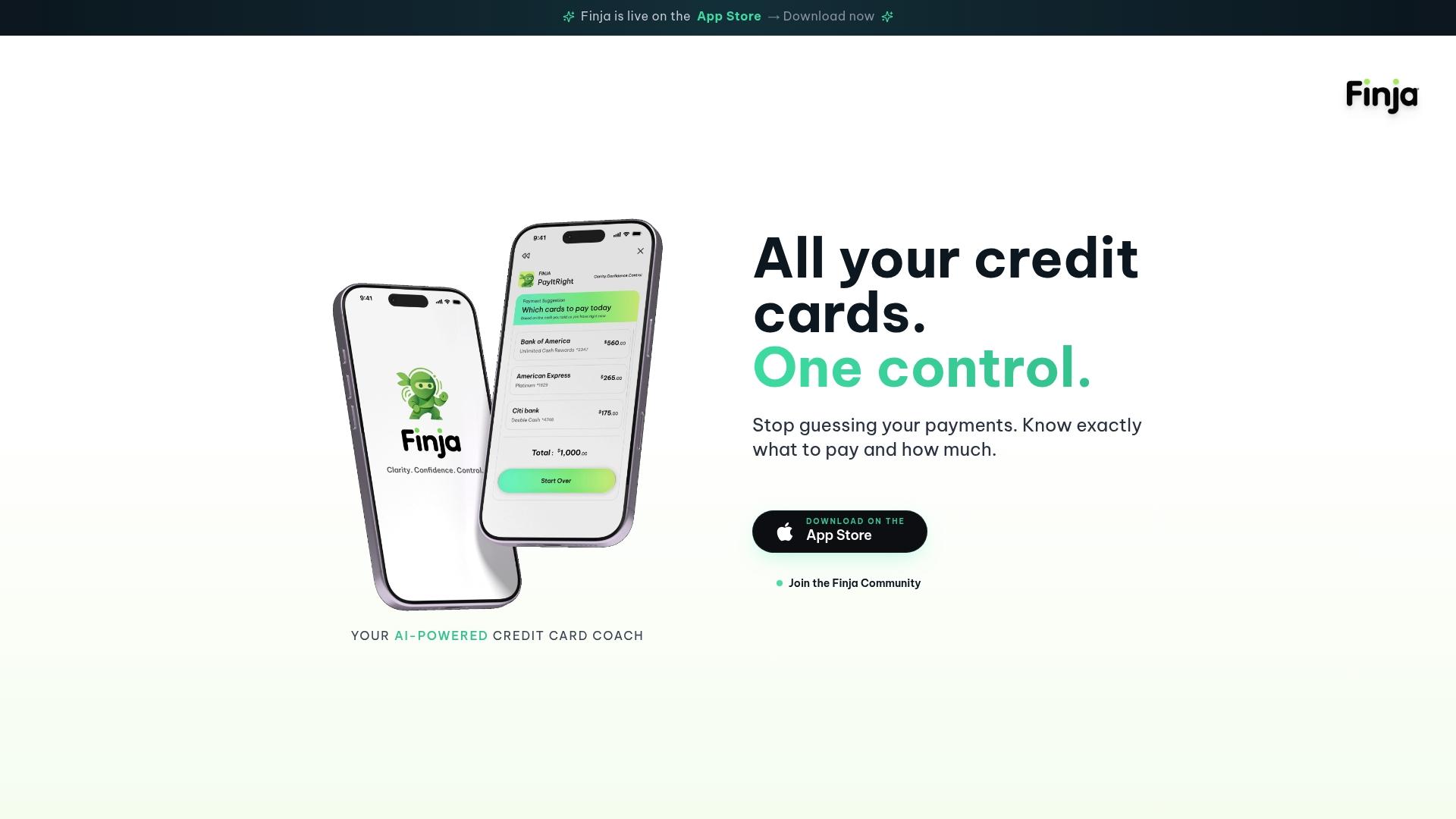
If juggling logins, consent renewals and due dates across several issuers is wearing on you, Finja is an AI-powered credit card coach built for people with multiple cards. It brings your cards into one view and gives guidance on payment timing and amounts, aimed at reducing interest and improving credit health. You can learn more at Finja.
FAQ
Why did my bank account suddenly stop syncing?
The usual causes are an expired login or consent, a changed password, a new security setting or terms prompt at the bank, or a temporary outage. Sign in on the bank's website first. If that works, reconnect the account and approve every permission the bank shows you.
How often do I need to reconnect my accounts?
It depends on the bank and the app, but the CFPB's 2024 rule limits continued data collection under one authorization to a maximum of one year before new authorization is required. Plan to re-approve connections about once a year, and sooner if you change a password.
Why is my balance different from my bank's website?
The app may not have refreshed yet, or the bank may be showing pending activity that has not posted. Use the bank's website as the source of truth, especially before making a payment. If the gap does not close after a refresh, reconnect the account.
What if my bank or card is not supported?
Some institutions do not provide the data an app needs, and some account types cannot be linked. Check that the bank's website lets you sign in and that third-party sharing is switched on. If it still will not connect, track that card manually, with its balance and due date, until the connection works.
When should I contact my bank instead of the app?
Contact your bank or card issuer when the bank's own website shows a charge or transfer that looks wrong, unauthorized or missing. Under the CFPB's Regulation E guidance, once you report a covered error, the institution must promptly investigate. Put the report in writing and keep a copy.
Sources
- Trouble connecting your financial account to an app? (Plaid)
- Errors (Plaid documentation)
- API errors (Plaid documentation)
- Financial Aggregator Services FAQ (BECU)
- Personal Financial Data Rights final rule, Federal Register, November 18, 2024
- Electronic Fund Transfers FAQs (CFPB)