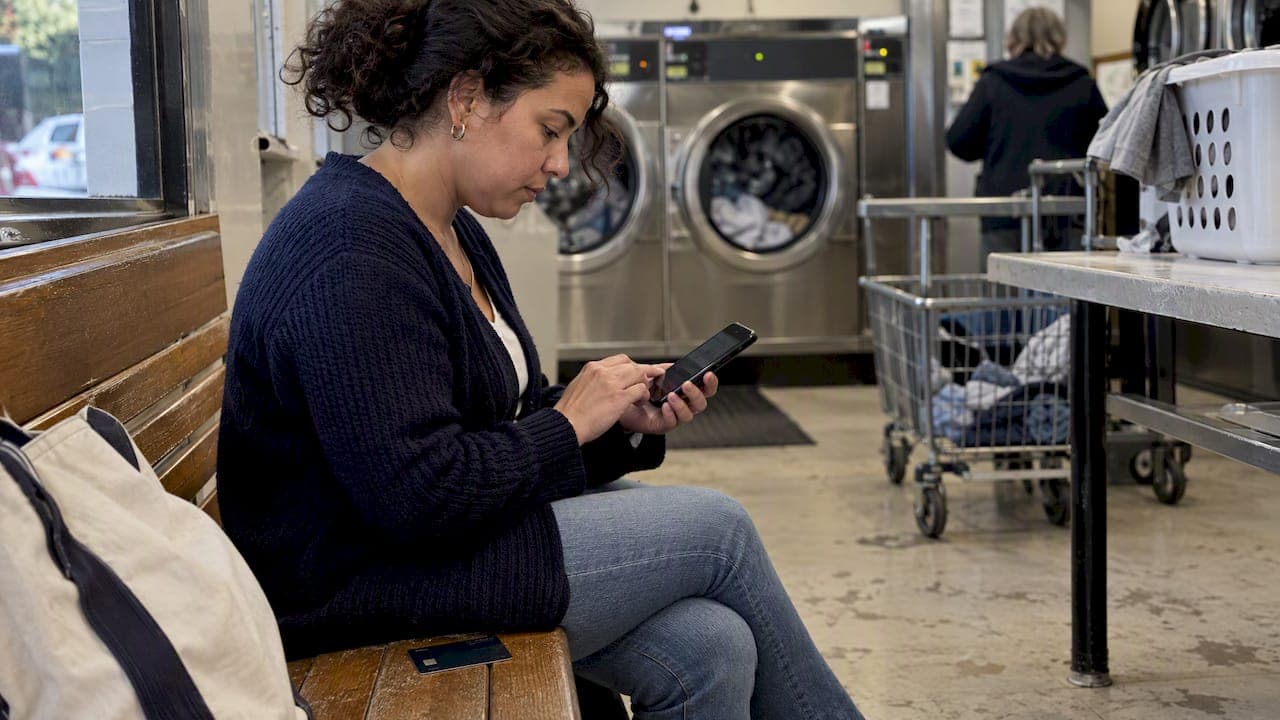
Lock or freeze your card the moment you misplace it, want to pause spending, or spot a charge that looks off. If you have proof your card number is actually stolen, skip the lock and call your issuer for a replacement card with a new number. The rest of this guide breaks down exactly what a lock blocks, what still goes through, and how to act in each scenario.
TL;DR:
- A lock usually blocks new purchases, cash advances, balance transfers, and newly authorized recurring charges, but existing subscriptions, refunds, payments, fees, and interest may continue.
- Digital wallet transactions depend on the issuer, and pending authorizations or later merchant settlement can still go through after the lock is turned on.
- Replace the card with a new number after confirmed unauthorized charges or suspected exposure; a lock does not remove a stolen number from circulation.
- A lock keeps the account open and does not affect your credit score, provided you keep making at least the minimum payment on time.
Table of Contents
- What a card lock or freeze actually does
- Which transactions get blocked and which still go through
- When to lock, when to replace the card instead
- How to lock, unlock, or freeze a card step by step
- What happens to your account, and what to do if you spot fraud
- Why a lock is one tool, not the whole strategy
- A different way to manage locks across several cards
- FAQ
- Sources
What a card lock or freeze actually does
A temporary card lock, sometimes called a freeze, pause, or temporary block, stops a single credit card from being used for most new transactions without closing the account. You flip it on and off yourself, usually in seconds, through your issuer's app or website.
The terminology varies by issuer, which trips up a lot of cardholders managing several accounts at once. One bank calls it a "lock," another calls it a "freeze," and a third buries it under "card controls." The function is nearly identical across the board, but the exact exceptions are not, so it pays to check your specific issuer's description of the feature, as Experian's overview of card locks explains.
A few practical points on scope:
- Only the primary cardholder can typically toggle the lock, though some issuers extend the control to authorized users on the account.
- Locking the primary card usually locks any linked authorized-user cards at the same time.
- The lock applies to that one physical card and account, not to every card you own.
Which transactions get blocked and which still go through
This is where most confusion happens, and it matters most for people juggling multiple cards with different recurring charges attached to each one.
Typically blocked:
- New retail purchases, in-store and online
- Cash advances
- Balance transfers
- New recurring authorizations set up after the lock
Typically still allowed:
- Existing recurring charges already authorized before the lock
- Refunds and returns credited back to the card
- Payments you make toward your balance
- Interest charges and fees that continue to accrue
Experian's guide to freezing a card notes that many issuers still process recurring payments and refunds even while a freeze is active, which is why a locked card rarely disrupts subscriptions you set up before locking it. Digital-wallet behavior is the biggest wildcard, since some issuers block wallet transactions the instant you lock the card while others let tokenized wallet payments slide through. Pending authorizations can also complete even after you lock the card, and a merchant that re-submits a transaction for final settlement may push it through despite the lock, so do not assume a lock reverses charges already in motion.
When to lock, when to replace the card instead
A lock buys you time. A replacement card gets you a clean account number. Knowing which one the situation calls for keeps you from either overreacting to a misplaced wallet or underreacting to a stolen card number.
- Lock or freeze the card when you have misplaced it but expect to find it, when you want to pause spending on a specific card temporarily, or when you spot a transaction that looks wrong and need time to investigate before deciding on next steps.
- Replace the card when you have confirmed unauthorized charges, when you believe the card number itself has been copied or leaked, or when a merchant breach you were part of has been publicly reported.
- Escalate beyond the card when the fraud touches your broader identity, such as new accounts opened in your name, which calls for contacting your issuer's fraud department directly rather than relying on the lock feature alone.
Run through a short checklist before deciding: how long do you expect the pause to last, how confident are you that the card number itself is safe, do you need a new account number to fully shut the door, and which recurring payments would be affected if you had to replace the card today. Confirmed compromise always points toward replacement, since a lock does not remove a stolen number from circulation, it only pauses what can be done with it right now, according to Experian's guidance on card locks.
Pro Tip: If you are unsure whether a charge is fraud or just an unfamiliar merchant name, lock the card first and investigate after. You lose nothing by pausing for an hour.
How to lock, unlock, or freeze a card step by step
Most issuers offer three ways in: the mobile app, the website, or a phone call to customer service.
- Open your issuer's app or log in to your account online.
- Find the card controls or security section, usually labeled "lock card," "freeze card," or similar.
- Toggle the lock on. No PIN or password beyond your normal login is typically required.
- Confirm the change took effect, often with an on-screen notice or a text alert.
- To unlock, repeat the same steps and toggle it off, which usually restores full functionality within seconds.
If you cannot access the app or site, call the number on the back of the card and ask the representative to place a temporary lock on your account.
After locking, verify a few things:
- Check that you are receiving decline alerts if a transaction is attempted.
- Confirm your known recurring payments still processed correctly.
- Test whether a digital wallet linked to the card still works, since this varies by issuer.
If you need to make one purchase while the card is locked, such as during travel, most issuers let you unlock temporarily, complete the purchase, then re-lock immediately after. A decline during a lock almost always means the lock is still active rather than a sign of a deeper account problem.
What happens to your account, and what to do if you spot fraud
Locking or freezing a card does not close the account, and it typically does not change your account number. Your credit score stays unaffected as long as you keep making payments on time. The lock is purely a transaction gate, not a credit event.
If you find unauthorized charges, move through this sequence:
- Dispute the specific transactions through your issuer's app or by calling their fraud line.
- Request a replacement card with a new account number rather than relying on the lock alone.
- Update autopay and any stored payment methods once the new card arrives.
- Increase monitoring on that account and your other cards for a while afterward.
Your issuer's fraud line and in-app dispute flow are the fastest paths, and pairing that with ongoing fraud monitoring helps catch repeat attempts early.
Why a lock is one tool, not the whole strategy

A lock or freeze is fast and free, but it only ever addresses one card at one moment. Managing several cards well means treating the lock feature as one layer alongside knowing which balances to pay down first and watching for patterns across accounts, not a replacement for either.
We find that cardholders who juggle multiple cards tend to underuse the lock feature until something goes wrong, then overcorrect by locking everything indefinitely, which creates its own friction with subscriptions and digital wallets. The better habit is treating a lock as a short pause tied to a specific reason, paired with a routine check on which card to pay first so a temporary lock never turns into a missed payment. Convenience and security are not opposites here. They just need a system that accounts for both.
— Grace K.
A different way to manage locks across several cards
Locking one card at a time works fine when you only need to react to a single incident. It gets tedious once you are tracking four or five cards, each with its own app, its own lock terminology, and its own recurring charges to remember.
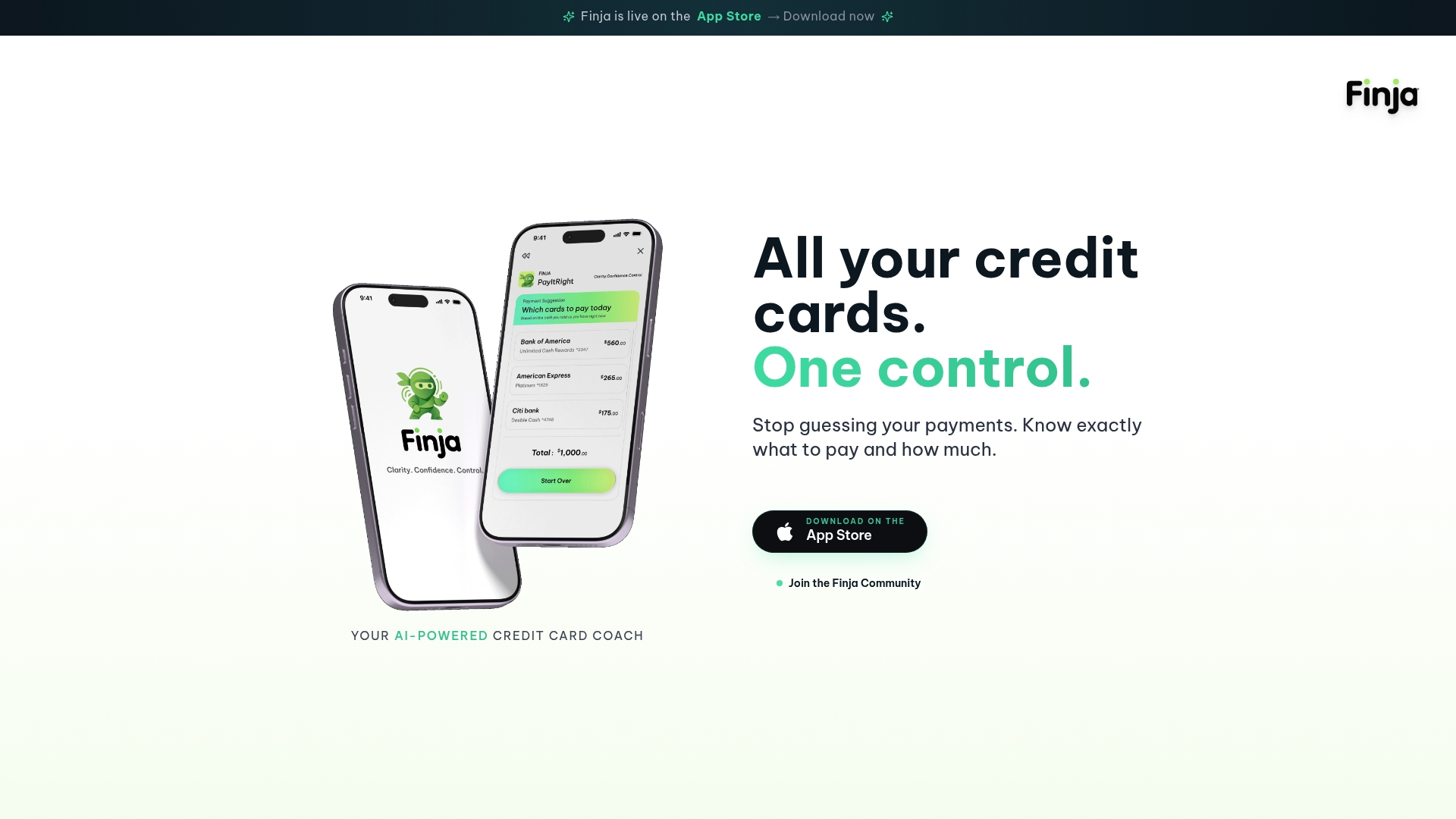
Our team built Finja as Your AI-Powered Credit Card Coach for exactly this kind of juggling act. Rather than switching between issuer apps to check what is locked, what is due, and what might be fraud, this app pulls your cards into one consolidated view:
- See all your cards and their lock status in a single place instead of multiple separate apps.
- Get payment-timing recommendations that help you avoid interest without digging through statement dates.
- Spot unusual activity sooner, since consolidated monitoring catches what a single-card view can miss.
If locking cards one at a time has started to feel like a part-time job, see how Finja handles it across every card you carry.
FAQ
What is the difference between a card lock and a card freeze?
Most issuers use "lock" and "freeze" to describe the same feature: a temporary, self-service block on new transactions for a single credit card. The exact name and which transactions still process during the pause depend on your specific issuer, as Experian notes.
Does locking my credit card hurt my credit score?
No, locking a card does not affect your credit score on its own. The account stays open and reports normally as long as you continue making at least the minimum payment while the card is locked.
Can I still use my digital wallet when my card is locked?
It depends on your issuer. Some block digital-wallet transactions immediately when you lock the card, while others allow tokenized wallet payments to continue, so check your issuer's specific policy before assuming either way, as outlined in Experian's freeze guide.
When should I request a replacement card instead of just locking it?
Request a replacement with a new account number once you have confirmed unauthorized charges or have reason to believe the card number itself was exposed, such as in a merchant data breach. A lock is a temporary stopgap, while a new number is the permanent fix, according to consumer guidance comparing locks and freezes. If the fraud involves a broader account takeover, forensic and legal resources like Dilendorf's incident-response guidance outline additional steps worth knowing about.
Will recurring payments still go through if I lock my card?
Existing recurring charges that were authorized before you locked the card typically continue to process without interruption. New recurring authorizations set up after the lock is active are usually blocked until you unlock the card.
Sources
- Credit Card Lock: How it Works and When to Use It
- Credit Lock vs. Credit Freeze: What’s the Difference?